What Is a Tron Wallet Address and Why Check It
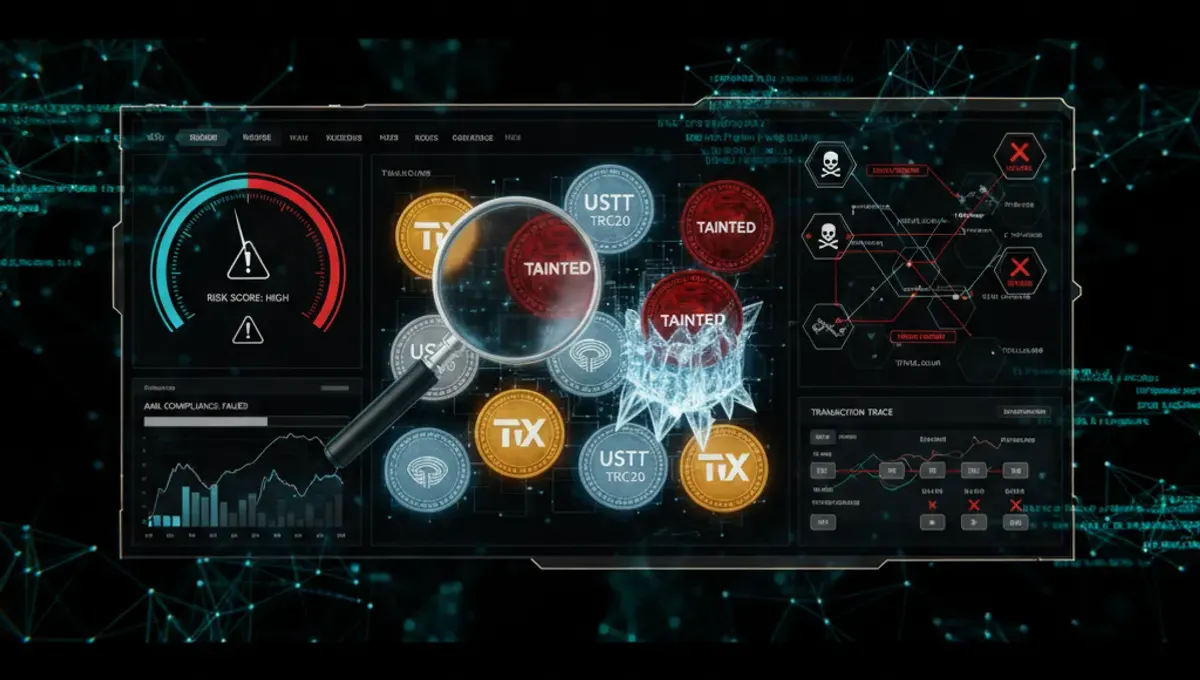
A Tron wallet address is a unique identifier on the Tron blockchain, always beginning with the letter 'T' followed by 33 alphanumeric characters. Each address corresponds to a private key that controls the funds stored there. Checking a Tron address serves two purposes: confirming your account balance and verifying the address's transaction history and risk profile. When you receive USDT TRC20 or TRX tokens, checking the sender's address helps you identify whether those funds come from legitimate sources or carry compliance risk. This is especially important for businesses and individuals handling cryptocurrency payments, as receiving tainted coins or funds linked to sanctions, darknet markets, or theft can result in frozen accounts or exchange bans.
How to Check Tron Wallet Balance Using Block Explorers
The most straightforward way to check a Tron wallet address is through a public block explorer. Follow these steps:
- Visit a Tron block explorer (such as Tronscan or similar public explorers).
- Paste the Tron wallet address (starting with 'T') into the search bar.
- Press Enter or click Search.
- The explorer displays the wallet's TRX balance, token holdings (including USDT TRC20), transaction history, and creation date.
- Review recent transactions to understand fund movement patterns.
The block explorer shows all on-chain activity, so you can see exactly when funds arrived and where they came from. This transparency is valuable when you need to verify that a payment actually reached your wallet or to trace the origin of incoming tokens before accepting them.
Checking Tron Wallet Balance Through Your Wallet App
Most Tron wallet applications display your balance directly on the home screen or dashboard. Steps vary by wallet type:
- Desktop wallets: Open the application, log in, and your balance appears immediately.
- Mobile wallets: Launch the app and navigate to the Assets or Balance tab.
- Hardware wallets: Connect the device to a companion app, then view your balance.
- Exchange wallets: Log into your exchange account and check the Tron or USDT TRC20 balance in your deposit address.
Wallet apps typically show both TRX and any tokens you hold on that address. This method is faster for checking your own balance but does not provide the detailed transaction history or risk assessment that a block explorer offers. For security, never share your private key or seed phrase when checking balances.
How to Check Tron Address for Compliance and Risk
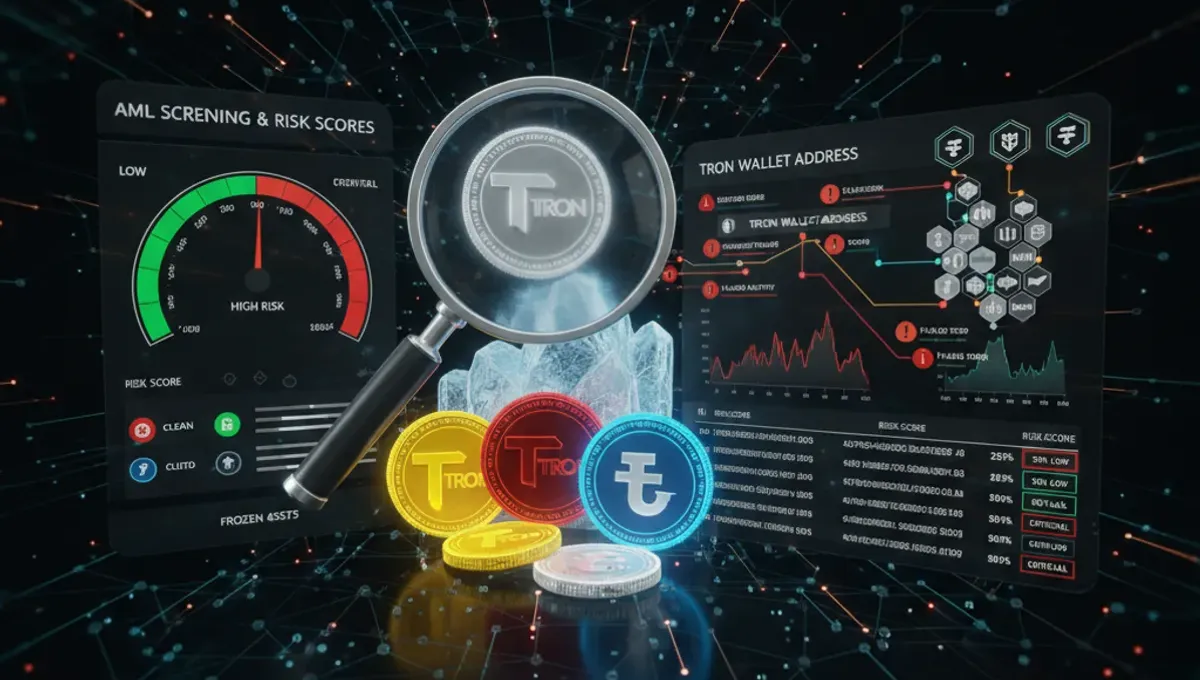
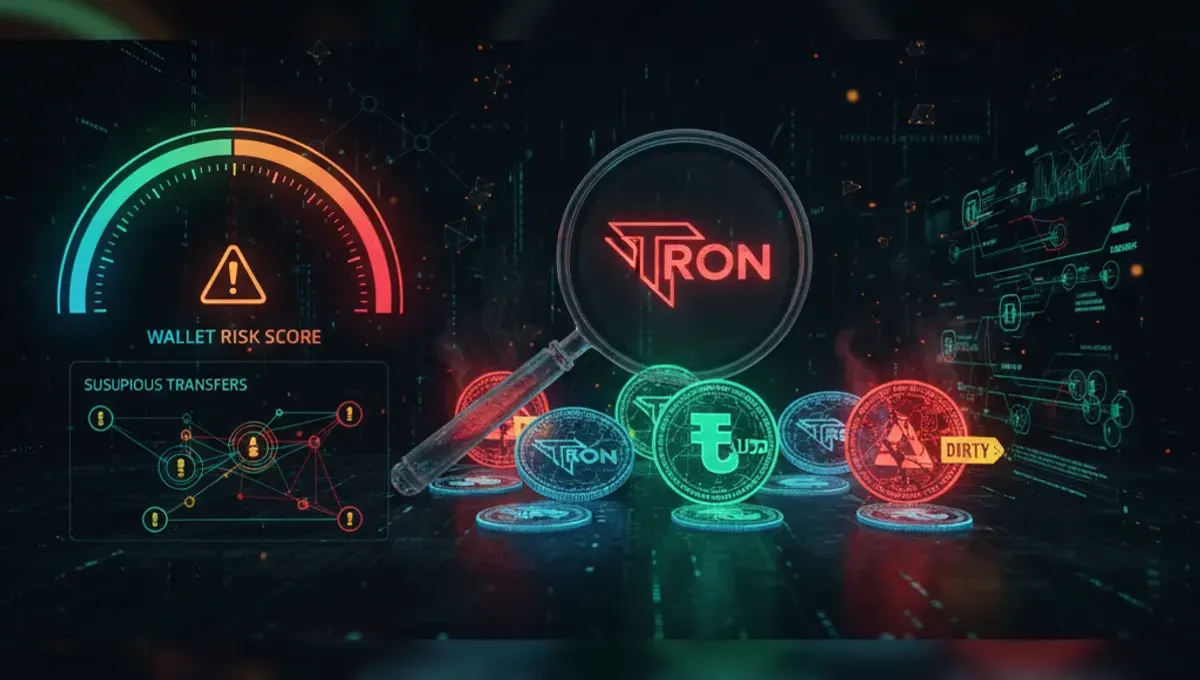
Beyond balance, checking a Tron address for compliance risk is critical before accepting deposits. A Tron wallet address check should include screening for:
- Darknet market exposure: Whether the address has received funds from known darknet marketplaces.
- Mixer or tumbler activity: Funds that have passed through privacy mixers, which obscure transaction trails.
- Stolen funds: Addresses flagged as recipients of theft or hacking proceeds.
- Sanctions lists: Wallets linked to sanctioned entities or jurisdictions.
- Scam or fraud history: Addresses associated with known scams or fraudulent schemes.
- Gambling platforms: Funds from high-risk gambling services.
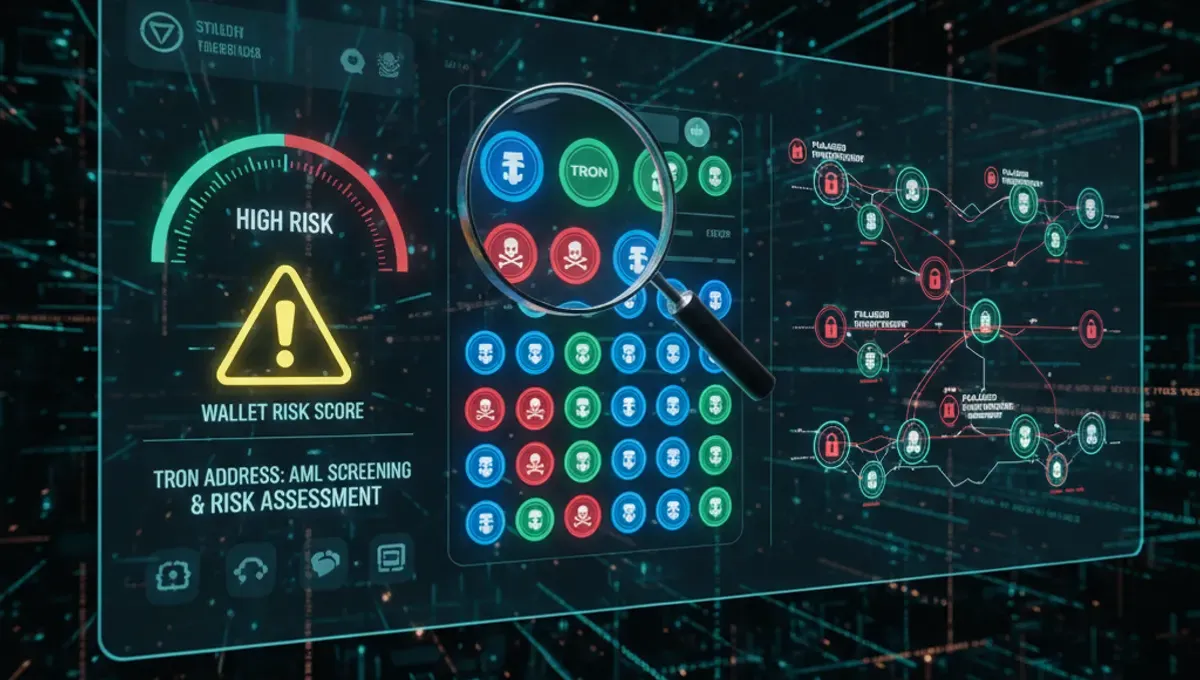
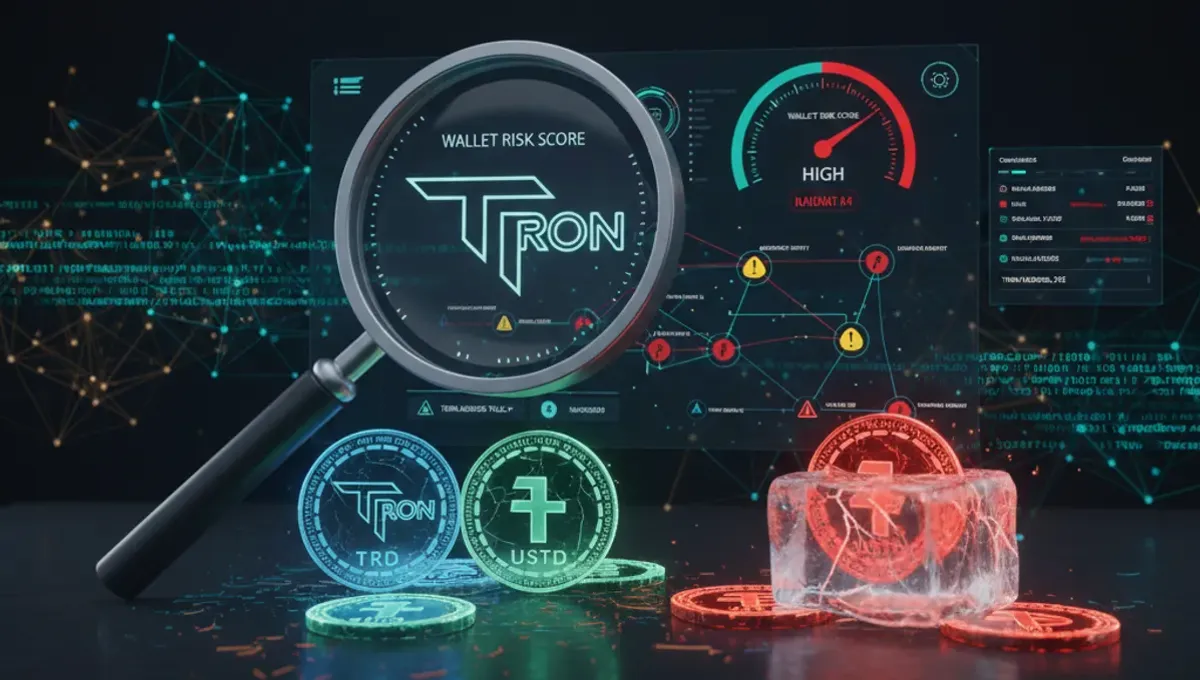
To perform an AML check on Tron, use dedicated wallet screening services listed on verified AML service directories. These tools assign a risk score to each address based on transaction history and known risk factors. A low risk score indicates the address is clean; a high score suggests compliance concerns. Always screen addresses before receiving large USDT TRC20 transfers or accepting payments from unknown sources.
Understanding Tron Wallet Risk Scores and What They Mean
An AML check Tron service returns a risk score—typically a numerical rating or category—that summarizes the compliance status of a wallet address. Risk score levels generally follow this pattern:
- Low risk (0–20%): No known exposure to darknet, theft, sanctions, or mixers. Safe to accept funds.
- Medium risk (20–50%): Minor exposure to privacy tools or low-volume mixing activity. Requires review of transaction context.
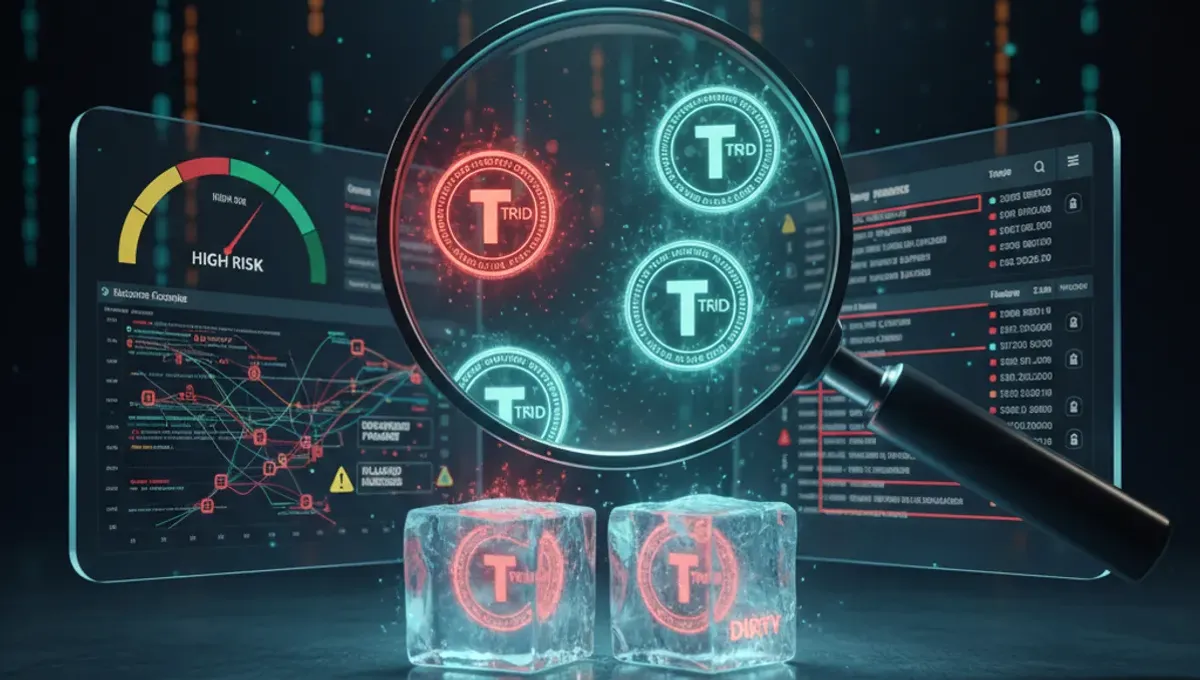
- High risk (50–100%): Strong indicators of darknet, stolen funds, sanctions exposure, or heavy mixer use. Avoid accepting funds unless you have strong justification and compliance controls.
Risk scores are not binary judgments of legality; they flag exposure to activities that regulators and exchanges scrutinize. Exchanges may freeze accounts or reject deposits if the source address carries high risk. Understanding these thresholds helps you make informed decisions about which payments to accept and which to decline.
Best Practices for Checking Tron Addresses Before Accepting Deposits
Implement these practices to protect your account from frozen funds and compliance issues:
- Screen every address before accepting a deposit over a certain threshold (e.g., $1,000 or higher).
- Use verified AML check services—check the curated list of trusted providers on this site's AML Services page to find reliable screening tools.
- Document the risk score and screening date for audit purposes.
- Establish internal thresholds: decline high-risk addresses outright; review medium-risk addresses with your compliance team.
- Monitor your own wallet address regularly to ensure no unexpected transactions appear.
- If you receive funds from a high-risk address, do not move them immediately; contact your exchange or payment processor for guidance.
- Keep records of all screening results in case regulators or exchanges request proof of due diligence.
Proactive screening prevents the scenario where you unknowingly receive tainted coins, only to have your exchange account frozen when the exchange detects the risk.
What to Do If Your Tron Wallet Is Flagged as High Risk
If an AML check returns a high-risk score for your address, take these steps:
- Review your transaction history on a block explorer to identify which activities triggered the flag (e.g., deposits from a mixer, transfers to a darknet-linked address).
- Document the context: if you received funds unknowingly or made a transaction for legitimate reasons, gather supporting evidence.
- Contact your exchange or payment processor to explain the activity and provide documentation.
- Do not attempt to hide or move the flagged funds; this raises further compliance concerns.
- If the risk stems from receiving tainted coins, consider whether to accept or reject the deposit based on your compliance policy.
- For ongoing issues, consult a compliance professional or legal advisor familiar with crypto regulations in your jurisdiction.
Exchanges may freeze accounts linked to high-risk addresses, so transparency and quick action are essential. Most exchanges allow you to appeal or provide context before taking enforcement action.
Frequently asked questions
Can I check a Tron wallet balance without the private key?
Yes. Any Tron wallet address is public, so you can check its balance and transaction history using a block explorer without needing the private key. The private key is only required to spend or move funds from that address. This is why checking a Tron address before accepting deposits is safe and transparent.
What does a high-risk AML score on a Tron address mean?
A high-risk AML score indicates the address has exposure to darknet markets, stolen funds, sanctions lists, or privacy mixers. It does not necessarily mean the address is illegal, but it signals compliance concerns that exchanges and regulators monitor. Accepting high-risk deposits can result in frozen accounts or rejected transactions.
How often should I check my Tron wallet balance?
Check your balance whenever you expect a deposit, at least weekly if you actively trade or receive payments, and immediately after large transactions. Regular checks help you catch unauthorized activity or failed transfers early. For business accounts handling USDT TRC20, daily checks are recommended.
Is checking a Tron address on a block explorer safe?
Yes. Block explorers are read-only tools that display public blockchain data. You cannot lose funds or expose your private key by viewing an address on a block explorer. Never enter your private key or seed phrase into any website, including explorers.
What is the difference between checking balance and screening for AML risk?
Checking balance tells you how much TRX or USDT TRC20 an address holds. AML screening assesses the address's transaction history for compliance risk (darknet, theft, sanctions, mixers). Both are important: balance confirms funds exist; AML screening confirms they are compliant.